
HRM and Payroll Software
HRM and payroll software for companies in Oman
Read more about our approach
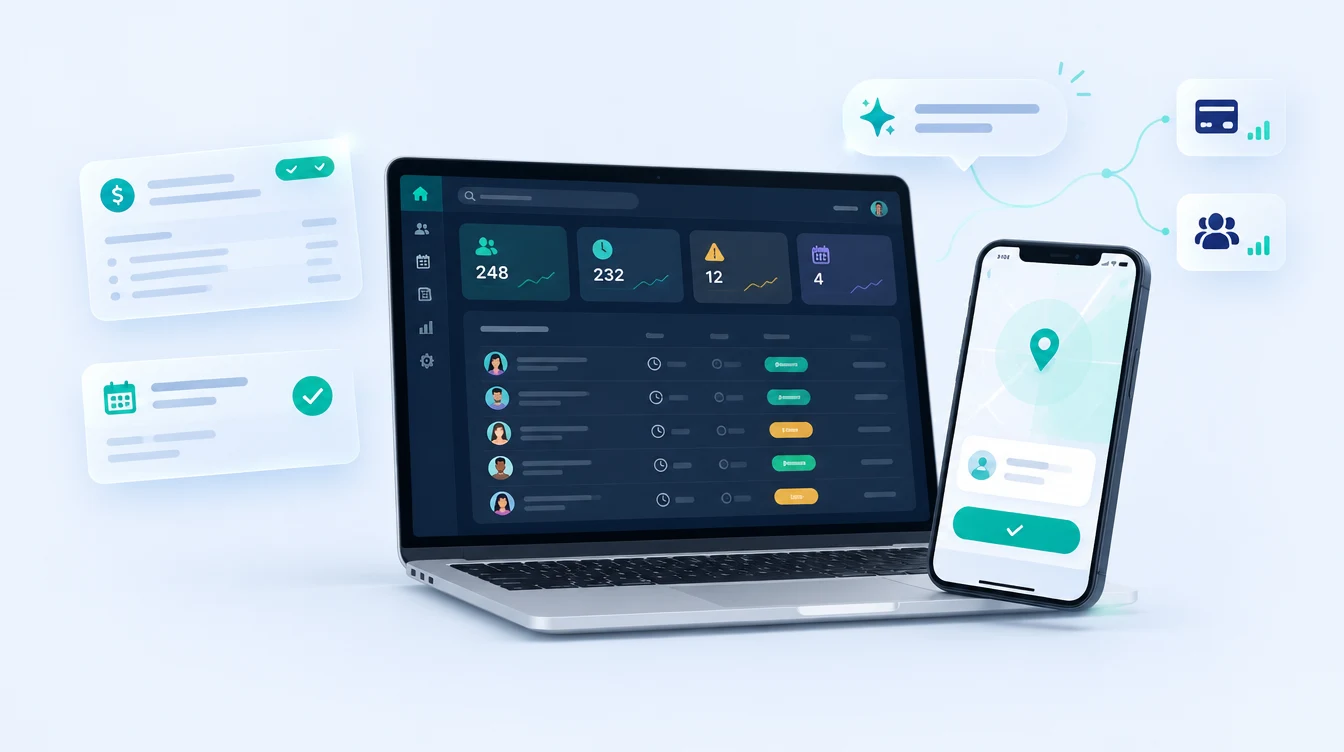
It runs in a web browser, has a mobile app API for attendance, and includes Oman-specific tools such as a WPS-format salary file and an end-of-service gratuity estimate. It also covers sales quotations, field service jobs and expense claims, connects to our billing software and to other systems through an API, and has an MCP server so AI assistants can read and write your data under the access you grant.
What's included
What we cover
Employee records
Staff details, departments, contracts and documents in one searchable place.
Attendance
Punches from attendance terminals (including ZKTeco/BioTime and Hikvision devices), mobile check-in and geofenced locations, with late and absent status worked out for you.
Leave
Leave requests with approval, leave types and balances, so managers decide in one place.
Payroll and payslips
Earnings and deductions per employee, payroll runs and payslips with paid or pending status.
WPS-format file and gratuity
A salary file export in the standard WPS fields, and an end-of-service gratuity estimate based on the Labour Law formula. Both are working tools to verify, not certified outputs.
Recruitment
Job postings and candidates tracked through applied, screening, interview, offer and hired.
AI assistants through MCP
An MCP (Model Context Protocol) server lets AI assistants such as Claude read data from the system and write updates back, so you can ask questions about attendance, jobs or quotations in plain language. Access is limited by the key and permissions you grant, and the key can be regenerated at any time.
Connects to billing and CRM
Link it to our billing software to show daily sales and outstanding amounts on the dashboard. A built-in sales workspace covers leads, quotations with an approval step and targets, and a REST API connects other systems such as WhatsApp, attendance devices and mobile apps.
Field service, projects and vehicles
A job pool for technicians with status and priority, service requests, projects with progress and deadlines, and fuel and vehicle expense claims submitted with receipts for approval.
Not sure what you need? Tell us about your project in a few lines. We will reply with next steps and a quotation, no obligation.
What you get
Deliverables
- Employee and document records
- Attendance from devices and mobile
- Leave requests and approvals
- Payroll runs and payslips
- Salary file export
- Setup and training
How it works
How we set up HRM and payroll software for your company
Discovery call
You tell us how many people you have, how attendance and leave work today, which devices you use and how payroll is done. We tell you honestly whether our system fits.
You get: A clear fit check and a quote
Set up your company
We create your departments, leave types, shifts, locations and pay components, so the system follows your policies rather than a generic template.
You get: A configured system with your rules
Import and connect
Employee records are imported from your spreadsheets, and attendance terminals or the mobile app are connected after we confirm your device model.
You get: Your staff data and attendance sources live
Test with a trial payroll run
We run payroll on a past month so you can compare it with your own figures, and check the salary file layout with your bank.
You get: A checked payroll run
Train and go live
Short training for HR, managers and staff, then go-live with support while your team gets used to it.
You get: A trained team and a live system
Compare
HRM software or Excel and paper: what changes
Many companies start on spreadsheets. This is what usually changes when attendance, leave and payroll move into one system.
| Factor | HRM software | Spreadsheets and paper |
|---|---|---|
| Attendance | HRM softwarePunches arrive from terminals and the mobile app, with late and absent status worked out for you | Spreadsheets and paperTyped in from devices, WhatsApp and paper at month end |
| Leave | HRM softwareRequests are approved in one place and balances update automatically | Spreadsheets and paperBalances kept by hand, so nobody trusts them |
| Payroll | HRM softwareEarnings, deductions and payslips come from one run, with paid or pending status | Spreadsheets and paperCalculated and checked by hand, often over several days |
| Employee records | HRM softwareContracts, documents and details in one searchable place | Spreadsheets and paperSpread across folders, inboxes and notebooks |
| Oman-specific tools | HRM softwareA WPS-format salary file and an end-of-service gratuity estimate, both to verify before use | Spreadsheets and paperBuilt and re-checked manually every month |
| Best when | HRM softwareYou have 20 or more staff, several sites or attendance devices | Spreadsheets and paperYou have a very small team and simple rules |
Not sure which side you are on? Describe your process and we will tell you honestly, even if the answer is a ready-made product.
Tell us your ideaWhat we build
What else we build: software, apps and automation
Web applications are only one part of what we do. Pick the kind of system you need, or tell us the problem and we will recommend one.
- Custom Software DevelopmentCustom business software, HRM, ERP integrations, portals, dashboards and system integrations.
- CRM and Sales SoftwareOur own CRM: leads, sales pipeline, quotations with approval, follow-ups, service requests and AMC contracts.
- ERP, Billing and Inventory SoftwareBillMate, our own billing, inventory and accounting software for shops and distributors, with reports and stock control.
- RFID Inventory SoftwareOur own RFID inventory system for warehouses and stores: tag printing, goods intake, dispatch, store requests and store exit alarms.
- Website DevelopmentBusiness websites, e-commerce stores and web applications built for enquiries, speed and search visibility.
- Mobile App DevelopmentiOS and Android apps for customers, bookings, orders and field teams.
- AI Automation ServicesAutomating repetitive office work, customer replies and reports with AI, connected to the systems you already use.
- Cloud Migration ServicesPlanning and moving servers, applications and data to the cloud, with backup, security and support.
Common problems
Issues we help you solve
- Attendance recorded on a device, in WhatsApp and on paper, then typed into Excel at month end
- Leave balances nobody trusts
- Payroll that takes days and is checked by hand
- Employee documents and contracts kept in different folders and inboxes
- No clear record of who changed what
Where it is used
- Companies with 20 to several hundred staff
- Businesses with site or field teams
- Offices using fingerprint or face terminals
- Groups with more than one branch
System components
- HRM
- Payroll
- Attendance
- Biometric
Our work
Inside the software: screens from our HRM and operations system
Screens from the HRM and operations software we build. They show the owner overview, daily attendance, payroll (with sample data), quotations, leads, field jobs, projects and vehicle expenses.
FAQ
Common questions
Last updated
What is the best HR software in Oman?
The best choice is the one that fits your size, devices and payroll process. Check that it can take punches from your attendance terminals, produce the salary file your bank expects, handle leave approvals and be changed when your policies change. Ours is built in Muscat by the same team that supports it, so changes are made by the developers. Message us for a demo with sample data and compare it with others.
Does the software manage payroll in Oman?
Yes. It handles earnings and deductions per employee, payroll runs and payslips with paid or pending status, and exports a salary file in the standard WPS fields. The file is a working tool to check with your bank, not a certified output.
Can it work as employee management software for a small company?
Yes. It keeps employee records, documents, attendance, leave and payroll in one place, and suits companies from about 20 staff upward. Tell us your headcount and we will say honestly whether it is the right size for you.
Does the system produce a WPS file?
It exports a salary file with the standard WPS fields. It has not been certified against a bank format, so we check the layout with your bank during setup.
Does it calculate end-of-service gratuity?
It gives an estimate using the Labour Law formula of 15 days per year for the first three years and 30 days after that. Contract terms and the Social Protection Law can change the final amount, so treat it as an estimate to verify.
Can it connect to our fingerprint or face devices?
It accepts attendance punches from devices that can push to a web address, such as ZKTeco/BioTime and Hikvision terminals. We confirm your device model before quoting.
Can we customise it?
Yes. We are the developers, so fields, approvals and reports can be changed to match your policies. This is a quoted piece of work.
What is MCP, and how does it work with the HRM software?
MCP (Model Context Protocol) is an open standard that lets AI assistants connect to business systems. Our MCP server gives an assistant such as Claude controlled access to the HRM data, so it can answer questions and record updates in plain language. What it can see and change depends on the access you grant, and you can regenerate the key to cut it off.
Can it connect to billing software and a CRM?
Yes. It connects to our billing software to show sales and outstanding amounts on the dashboard, includes its own leads and quotation workspace, and has an API for other systems. Connections to third-party products are scoped and quoted per project.
How do I see it first?
Message us for a demo. We show the screens with sample data and talk through your process.
Start a project
Planning a hrm and payroll software project?
Tell us what you need and where. We will reply with next steps and a quotation.